Compare two suppliers
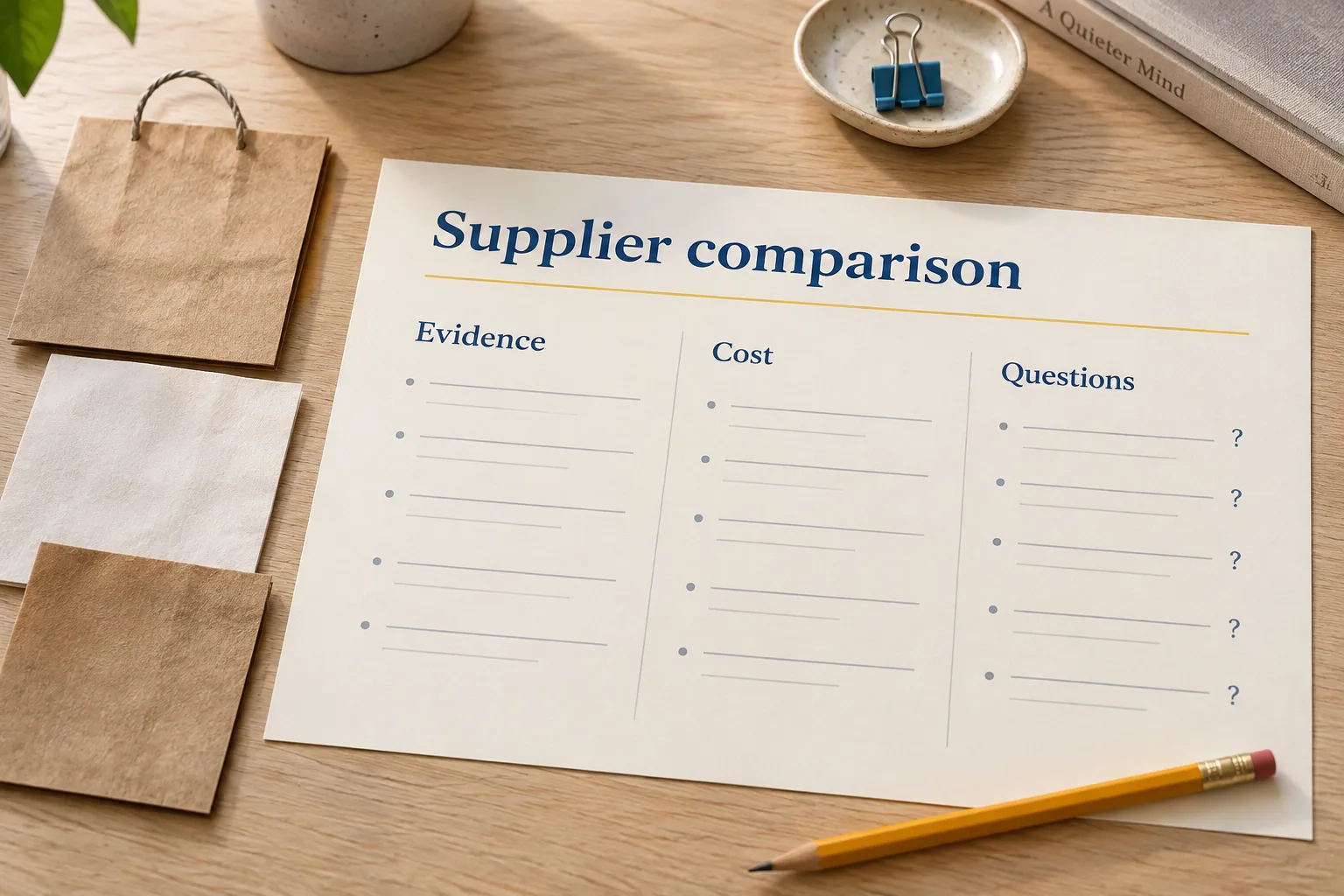
A two-row comparison of paper-bag prices, minimum orders and official sources.
Check a comparison against its sources, including the price units and the details nobody has confirmed.
What you’ll make
- Two options with official product sources
- Price units and minimum orders made clear
- Missing facts stay visible
suppliers.csvExample output| Supplier | Price per bag | Minimum order | Source |
|---|---|---|---|
| Supplier A (fictional) | PHP 2.50 | 100 bags | Official product page |
| Supplier B (fictional) | Unknown | 50 bags | Official product page |
“Unknown” is useful information. A missing price should stay visible so you know what to check next.
Fictional example · selected columns. Your research will be different.Before you start
- Open one installed agent and select a new practice folder named
supplier-research. - Save the starter brief in that folder as
supplier-research.txt. It contains the facts, file requirements and task limits. - Start a new conversation. Keep this page open alongside your agent.
Use Codex, Claude Code, Antigravity or OpenCode. The task works with the same starter brief in each.
Ready? Go to step 1Read the brief here
Compare two suppliers

Result: A two-row comparison of paper-bag prices, minimum orders and official sources.
File: suppliers.csv

PRACTICE FACTS
Fictional business: Luntian Supply is exploring plain paper bags. Compare two real suppliers with official public product pages. Record prices in Philippine pesos where listed; keep unavailable prices unknown. This is a small information comparison, not a purchase recommendation. Products may differ in size or specification. Delivery, stock and suitability are not confirmed.

WHAT TO MAKE
- Save up to two distinct supplier/product rows in suppliers.csv using the columns below. Identify the actual product so differences stay visible.
- Record the price per bag only when the listing explicitly states it or clearly gives both pack price and pack quantity. Explain any pack-to-unit calculation in unknowns.
- Record minimum order quantity only when stated; otherwise write unknown. Keep missing prices and product differences visible.
- Include official source URLs and the actual checked date. This comparison does not establish delivered cost or the best supplier.

CSV columns: supplier, product, source_url, unit_price_php, minimum_quantity, checked_date, unknowns

HOW TO WORK
- Ask for a short understanding of the brief and a plan first. Wait for approval before doing the task.
- Write only in this practice folder. Keep the starter brief unchanged.
- Do not invent facts. Label missing information unknown.
- Use official public pages and open the sources; search snippets alone are not evidence.
- If web access is unavailable, stop and ask for official URLs and dated excerpts in sources.txt. Label supplied evidence in unknowns.
- If enough sources cannot be verified, return fewer rows and explain the gap in the chat. Do not fill the file with invented entries.
- Do not contact suppliers, create accounts, add items to carts, place orders or invent quotes.

CHECK THE RESULT
- Open each source and match the exact supplier and product to the row.
- Check price units and minimum quantities yourself. An unsupported unit price or minimum order says unknown; different products are not presented as equivalent.
- The CSV has the seven required columns and up to two distinct options, with dates and gaps visible. No purchase recommendation or delivery promise is implied.
If your agent cannot read the file, provide this brief separately in the conversation.
Try each step in your own words. Open a hint or example when you need a nudge.
Step 1: Define the comparison
In your agent
Ask your agent to read supplier-research.txt and explain how it will compare two options fairly. Have it wait before researching.
Hint for Step 1
A pack price and a per-bag price are different. Ask how it will handle that difference and missing minimum orders. Check that it can open official public product pages.
Show an example for Step 1
Read supplier-research.txt and explain how you’ll compare two suppliers and handle missing prices or minimum orders. Wait before researching.
One way to phrase it. Your own words are welcome.Before you continue
- The plan compares the actual products and checks whether prices are per bag or per pack.
- It will keep missing facts unknown, use official sources and wait for your go-ahead.
Step 2: Make the comparison
In your agent
If the approach makes sense, ask your agent to research the two options and save suppliers.csv. Keep this to one small comparison.
Hint for Step 2
Ask it to record each product’s name, source and checked date. If browsing is unavailable, supply official URLs and dated excerpts first. Fewer verified rows are better than invented entries.
Show an example for Step 2
Go ahead and save suppliers.csv using the brief’s columns. Keep missing facts and product differences visible, and show me where to open the file.
One way to phrase it. Your own words are welcome.Before you continue
- The spreadsheet exists in your practice folder.
- The agent cites official product pages, or explains why it could verify fewer options.
Step 3: Check prices and sources
In your saved file
Open suppliers.csv yourself and follow each source link. If a unit price was calculated from a pack, check the calculation; look for any minimum order the source does not actually state.
Hint for Step 3
Check whether a listed price is per bag or per pack. Do not infer a minimum order from a pack size. Ask for a correction whenever a source does not support a cell.
Show an example for Step 3
The listing says PHP 250 for 100 bags, so PHP 2.50 per bag is supported. A minimum order stays unknown unless the page states it.
An example of how to check, not a recorded result.Check the result yourself
- Open each source and match the exact supplier and product to the row.
- Check price units and minimum quantities yourself. An unsupported unit price or minimum order says unknown; different products are not presented as equivalent.
- The CSV has the seven required columns and up to two distinct options, with dates and gaps visible. No purchase recommendation or delivery promise is implied.
Keep this habit
Before using a comparison, open its sources and check that the numbers mean the same thing.
Step 4: Turn a gap into a questionOptional
In your agent
Choose one missing detail from the comparison. Ask your agent to turn it into a clear question in a separate copy.
Hint for Step 4
Use an existing gap, such as an unstated minimum order or delivery cost. Put the question in unknowns and keep the other cells. This is a written question for later, not a message to send.
Show an example for Step 4
Rewrite one missing detail as a clear question in unknowns. Save suppliers-revised.csv, keep every other cell unchanged and preserve suppliers.csv.
One way to phrase it. Your own words are welcome.Before you continue
- The question identifies a real gap in the original comparison.
- Both files exist; recorded prices, products and sources are unchanged. No supplier has been contacted.
Open both versions side by side. You should be able to point to the change you asked for.