Write one product caption
One short caption with the right product facts, saved as a text file.
Give your agent a clear tone and a small writing job, then check every claim against the brief.
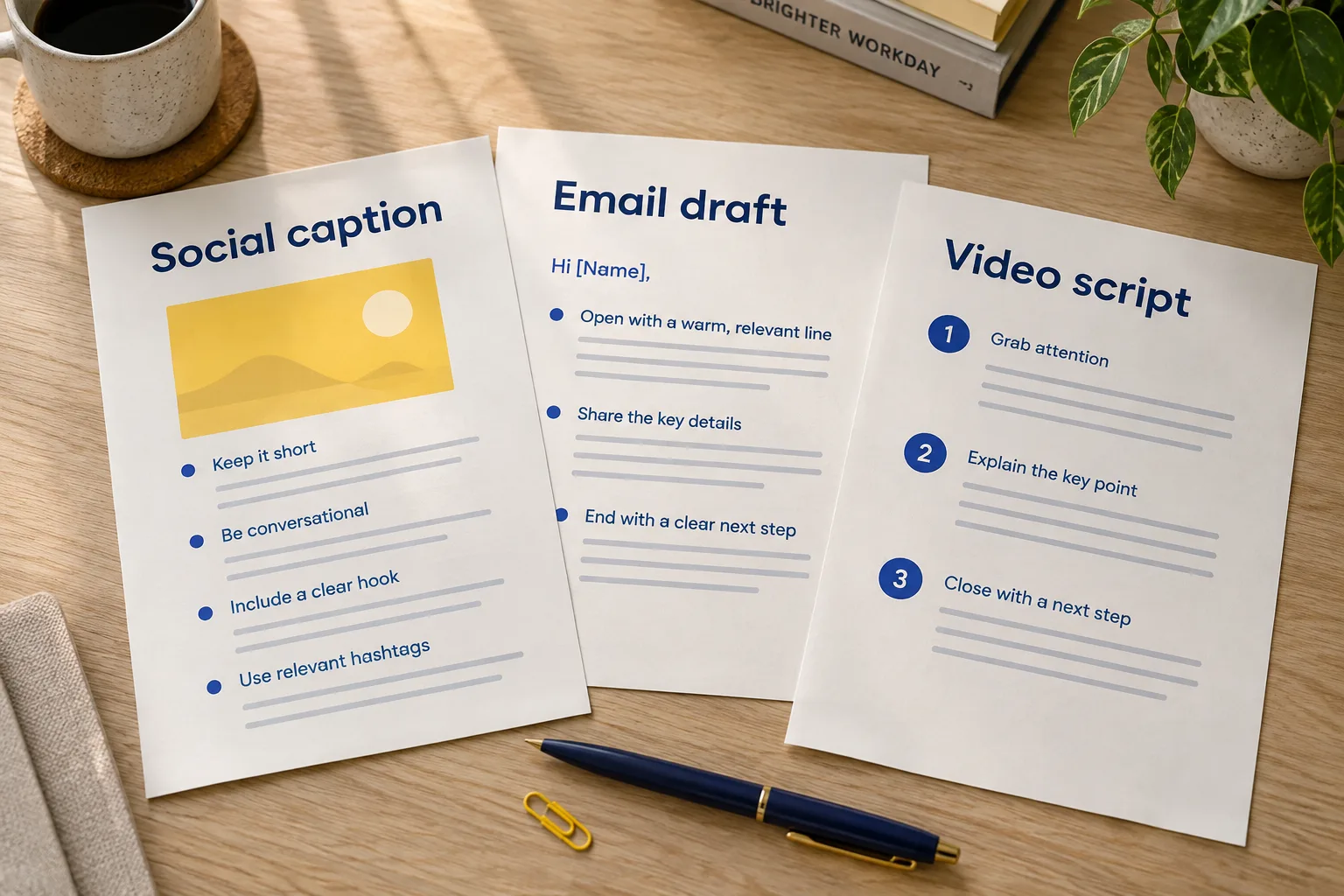
What you’ll make
- One caption, fewer than 60 words
- The price, colours and pickup rule are correct
- No invented claims or publishing
social-caption.txtExample outputA little more order on your desk. Our reusable desk organizer comes in blue or natural for PHP 450. Pickup only. Ask us about availability.
The caption includes the price, both colours and pickup only. It leaves availability open.
One possible result using the fictional practice brief.Before you start
- Open one installed agent and select a new practice folder named
marketing-kit. - Save the starter brief in that folder as
marketing-kit.txt. It contains the facts, file requirements and task limits. - Start a new conversation. Keep this page open alongside your agent.
Use Codex, Claude Code, Antigravity or OpenCode. The task works with the same starter brief in each.
Ready? Go to step 1Read the brief here
Write one product caption

Result: One short caption with the right product facts, saved as a text file.
File: social-caption.txt

PRACTICE FACTS
Fictional business: Luntian Supply. Offer: a reusable desk organizer for PHP 450. Colours: blue and natural. Pickup only. Stock and promotion dates are not confirmed. Tone: helpful and plain. No testimonials, discounts or environmental certifications have been supplied.

WHAT TO MAKE
- Save one caption under 60 words in social-caption.txt.
- Include the product, PHP 450 price, both colour options and pickup-only rule.
- Write a helpful practice draft. Keep unsupported availability, dates, discounts, testimonials and environmental claims out.

HOW TO WORK
- Ask for a short understanding of the brief and a plan first. Wait for approval before doing the task.
- Write only in this practice folder. Keep the starter brief unchanged.
- Do not invent facts. Label missing information unknown.
- No web research is needed. Create a text file only; do not send messages, publish or connect an external account.

CHECK THE RESULT
- Open social-caption.txt and count fewer than 60 words.
- The product, PHP 450 price, blue/natural options and pickup-only rule all match the brief.
- There are no invented stock claims, dates, discounts, delivery options or testimonials.
If your agent cannot read the file, provide this brief separately in the conversation.
Try each step in your own words. Open a hint or example when you need a nudge.
Step 1: Set the message
In your agent
Ask your agent to read marketing-kit.txt and tell you the facts the caption must keep. Describe the tone you want and have it wait before drafting.
Hint for Step 1
A tone like “helpful and plain” is enough. Check the price, colour options and pickup rule before writing starts. There are no confirmed stock levels or promotion dates.
Show an example for Step 1
Read marketing-kit.txt and tell me which facts a helpful, plain caption must keep and which claims to avoid. Wait before drafting.
One way to phrase it. Your own words are welcome.Before you continue
- The reply keeps PHP 450, blue or natural, and pickup only.
- It does not add availability, discounts or other claims that are missing from the brief.
Step 2: Draft the caption
In your agent
Give your agent the go-ahead to write one caption under 60 words. Ask it to save the draft as social-caption.txt.
Hint for Step 2
Mention the file and tone, then refer to the starter facts. If the agent only replies in chat, ask it to save the caption in your practice folder.
Show an example for Step 2
Write one helpful caption under 60 words using the starter facts. Save it as social-caption.txt and tell me where to open it.
One way to phrase it. Your own words are welcome.Before you continue
- social-caption.txt exists in your practice folder.
- It is a single caption, with no extra campaign files or publishing action.
Step 3: Check every claim
In your saved file
Open social-caption.txt yourself. Read it once for the message, then again against the starter facts; point out any specific claim that needs fixing.
Hint for Step 3
Read the caption against the brief, not just for style. A phrase such as “selling fast” would invent a stock claim. Name that phrase when asking for a correction.
Show an example for Step 3
“Available for delivery today” conflicts with pickup only and an unconfirmed date. Ask the agent to remove that claim.
An example of how to check, not a recorded result.Check the result yourself
- Open social-caption.txt and count fewer than 60 words.
- The product, PHP 450 price, blue/natural options and pickup-only rule all match the brief.
- There are no invented stock claims, dates, discounts, delivery options or testimonials.
Keep this habit
When you ask for better wording, say which facts must stay the same.
Step 4: Change the toneOptional
In your agent
Ask for a warmer version while keeping the facts and word limit the same.
Hint for Step 4
Describe the tone you want rather than rewriting every sentence. Check that warmer wording does not turn into a discount, scarcity claim or invented testimonial.
Show an example for Step 4
Make the caption warmer while keeping the facts and 60-word limit. Save social-caption-revised.txt and keep the original.
One way to phrase it. Your own words are welcome.Before you continue
- The revised version still has fewer than 60 words and all required facts.
- The tone changes; the offer does not. Both versions are saved.
Open both versions side by side. You should be able to point to the change you asked for.